New 30m Upgraded Universal Bluetooth Diving Waterproof Phone Case
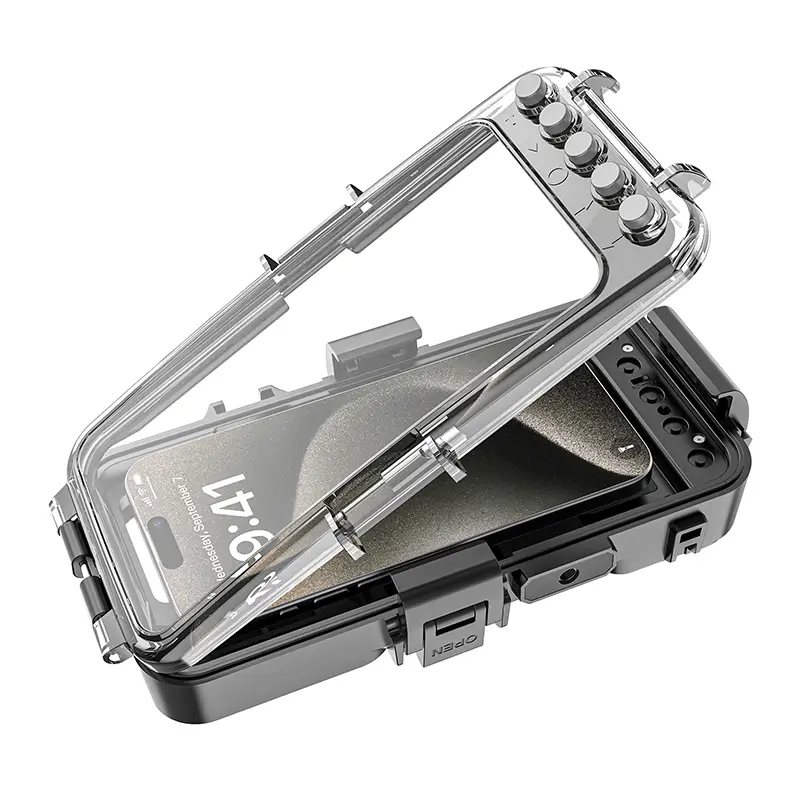
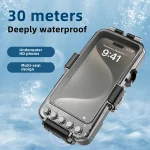
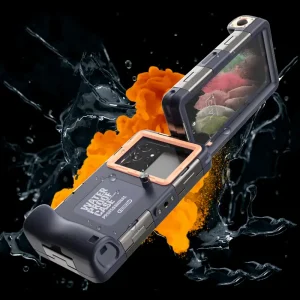
Explore underwater with ease using the 30m Upgraded Universal Bluetooth Diving Waterproof Phone Case. This case is designed to keep your phone safe and working, even in deep water.
Professional Waterproofing
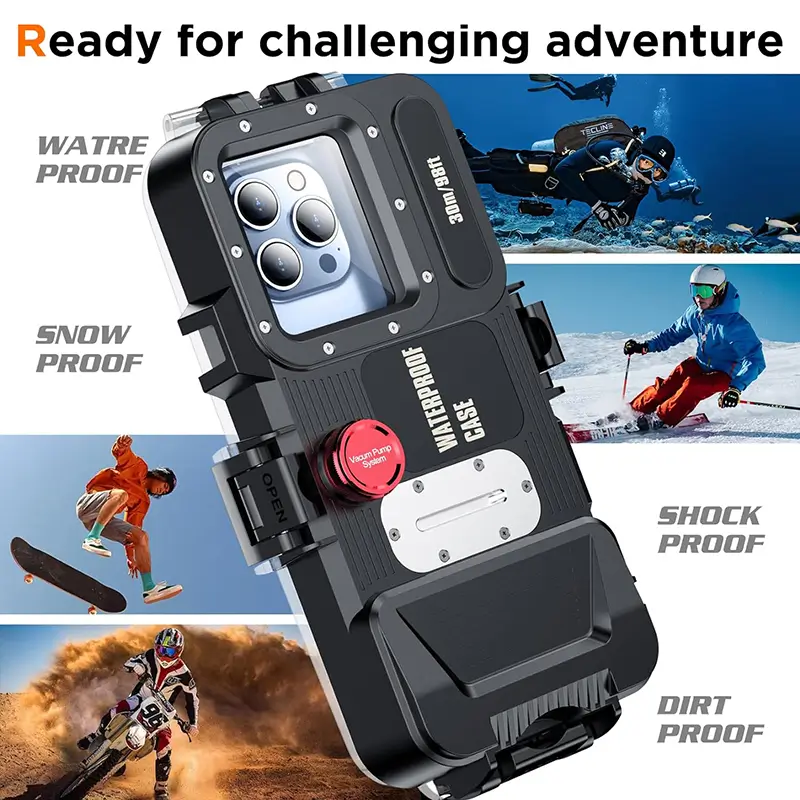
The case is IPX8-rated and works at depths up to 30 meters. It is ideal for swimming, snorkeling, and diving. Test it before use for maximum safety.
Crystal-Clear Photography Made Simple
It supports the installation of professional photography equipment, and enjoy more fun. Record your best moment with interesting photos and video.
The housing lens, made of 9H HD tempered glass, ensures a sharp, vibrant image and video quality. Capture every underwater scene with clarity, knowing your lens is fully protected.
Effortless Installation and Reliable Design
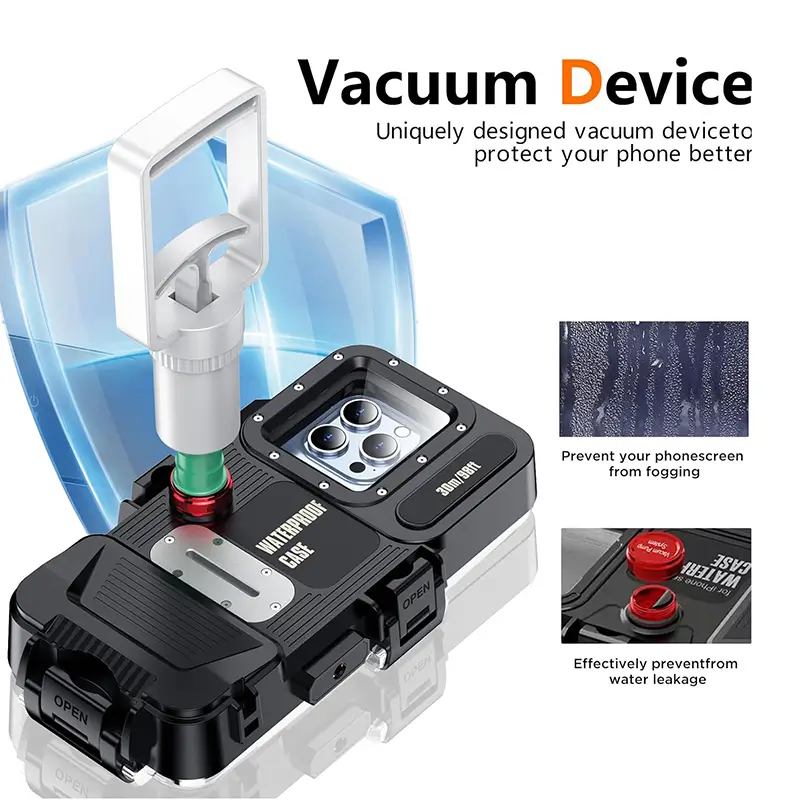
Forget complicated setups. Secure your phone using the internal safety lock and eight silicone suction cups, seal the case, and pump the air out with the included vacuum device. The lightweight, ergonomic design lets you operate your phone underwater like on land.
Waterproof Depth: Up to 98 feet (30 meters)
Waterproof Rating: IPX8
Material: High-quality water and pressure-resistant build
Lens Material: 9H HD tempered glass for vivid image and video clarity
Package dimensions: 246 x 149 x 92 mm
Weight: 962 g
Button Type: Sensitive alloy buttons for easy photo/video mode switches
Mounting Options: Three 1/4-20 tripod mounting points for stabilizers, tripods, and monopods
Supported Devices: Applicable to mobile phones within 6.9 inches, as long as the mobile phone camera is not in the middle
Setup and Installation
Unlock the Case: Open all three latch switches to access the case.
Insert Batteries: Open the battery cover, insert two AAA batteries (not included), and seal the cover. Ensure correct polarity.
Turn On the Power: Switch the power to “ON.” A blue indicator light will flash.
Connect via Bluetooth: Enable Bluetooth on your phone. Connect to the device named “SFK-05(BLE).” Once paired, the blue light will turn off.
Enable Assistive Touch: Navigate to Settings > Accessibility > Touch. Turn Assistive Touch on.
Insert Your Phone: Push open the clip and place your phone securely inside the case. Move the clip to lock it in place.
Check the Seal: Ensure the waterproof seal is clean and free of debris before closing the case. Lock the latches securely.
Vacuum Seal the Case: Open the vacuum pump’s cover and check for cleanliness. Attach the pump to the air valve and pump 3–4 times to remove air. Cover the air valve after sealing. Test the seal by ensuring the case cannot be opened.
Attach the Lanyard: Secure the included rope for easy carrying.
Activate Touchscreen: Press the direction button on the case to locate and activate your phone’s touchscreen.
Reviews
There are no reviews yet.
Be the first to review “30M Universal Bluetooth Diving Waterproof Phone Case” Cancel reply





 3M Universal IP68 Waterproof Phone Case
 2M Air Box Underwater IP68 Waterproof iPhone Case


Reviews
There are no reviews yet.